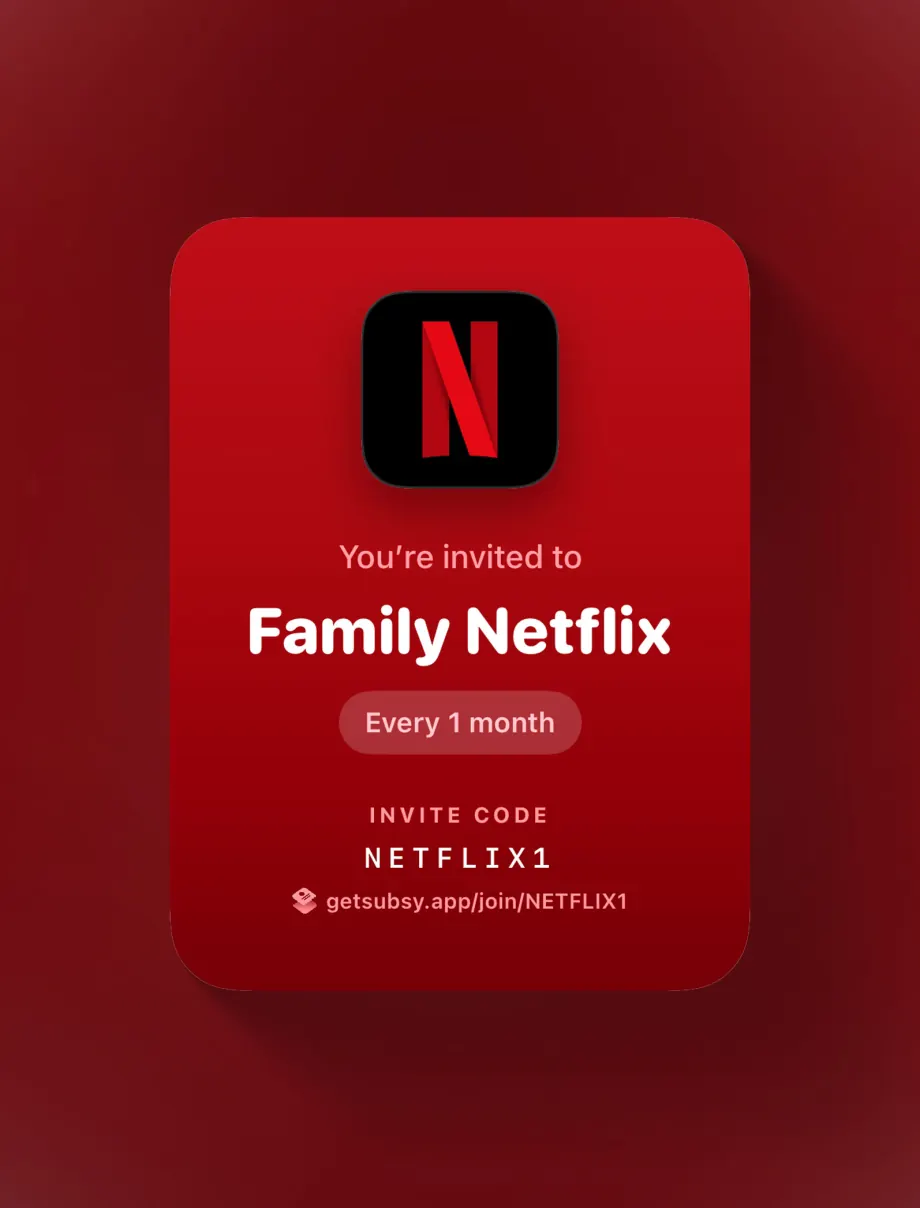
Invite with a code or link
People join in a few seconds, and you decide who gets in.
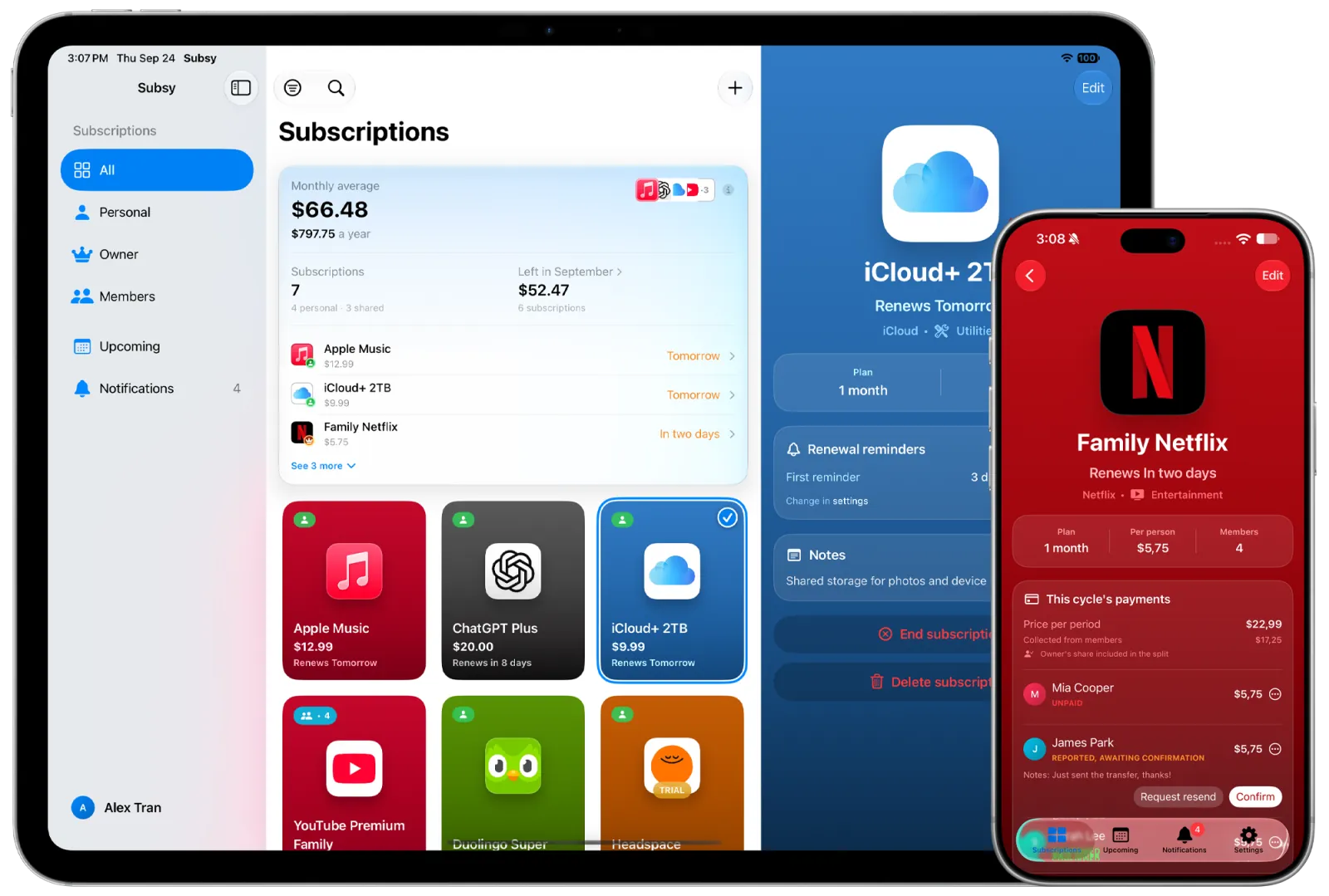
Keep personal subscriptions private on your phone, or share a plan with friends and family and split the cost. Renewal dates, reminders and who has paid, all in one app.

Works without an account · iOS 17+
A clean, simple interface with small touches that make keeping track of subscriptions a bit nicer.
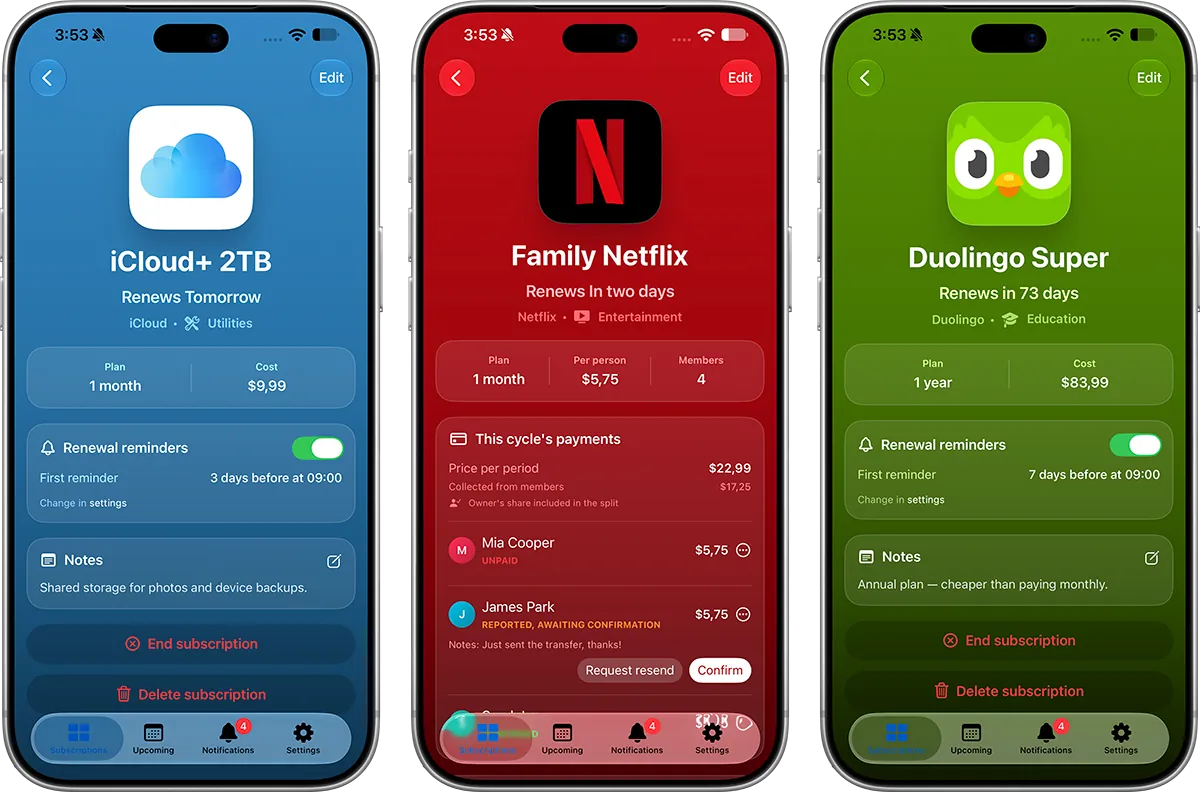
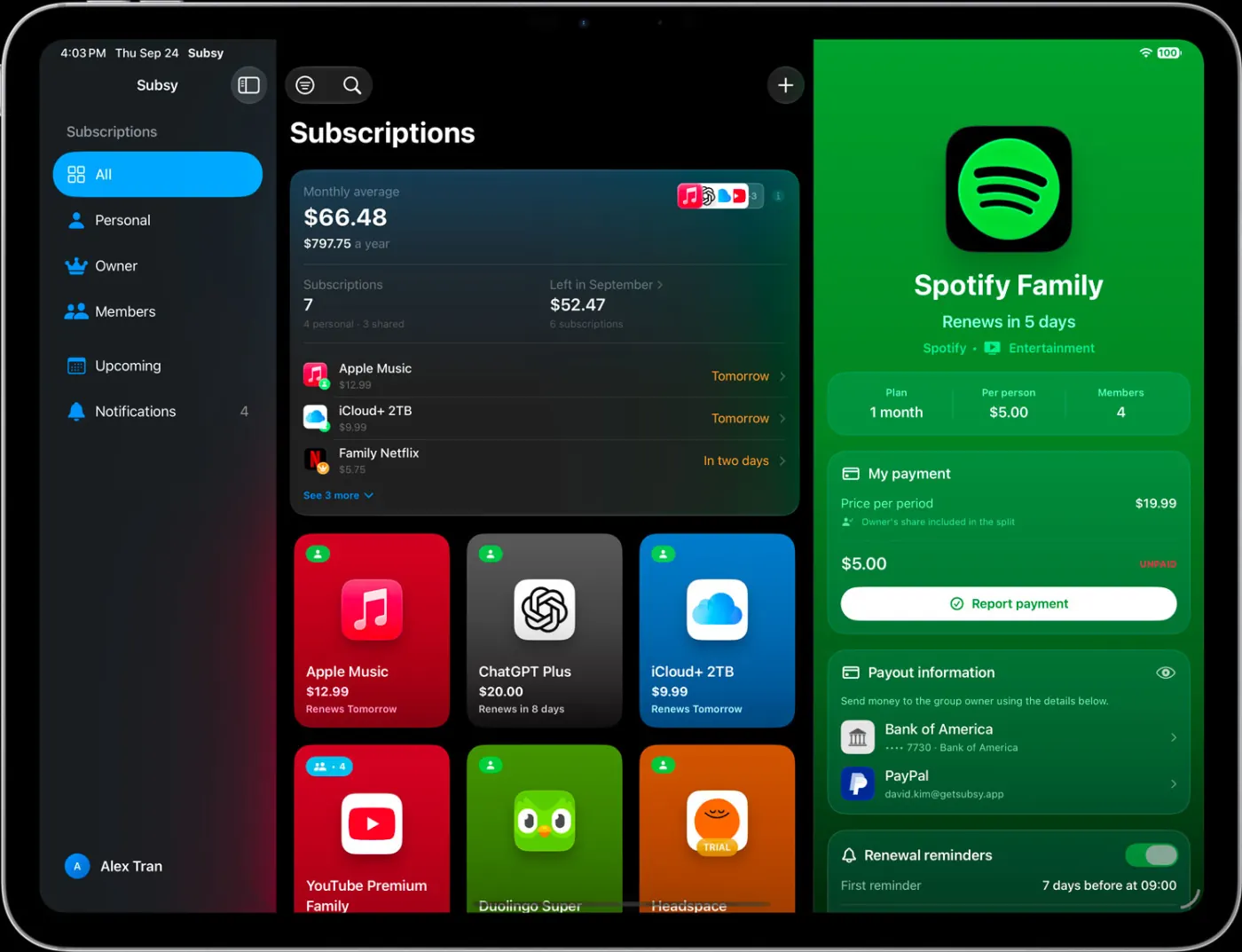
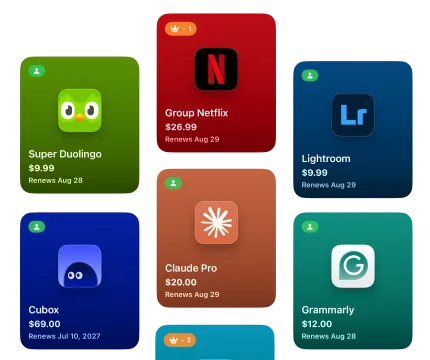
Each service gets its own gradient card, colored automatically from its logo.
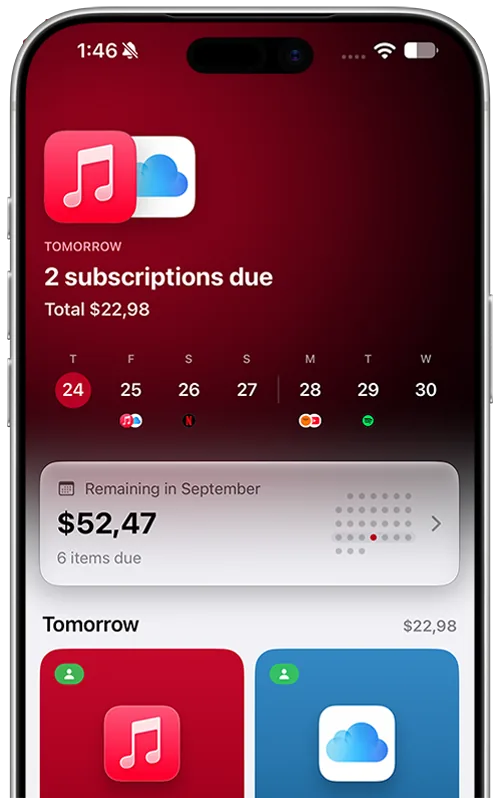
See what renews next on a simple timeline, so no charge takes you by surprise.
Subsy works just as well on iPad as on iPhone, and uses the bigger screen to show more of your subscriptions at once.
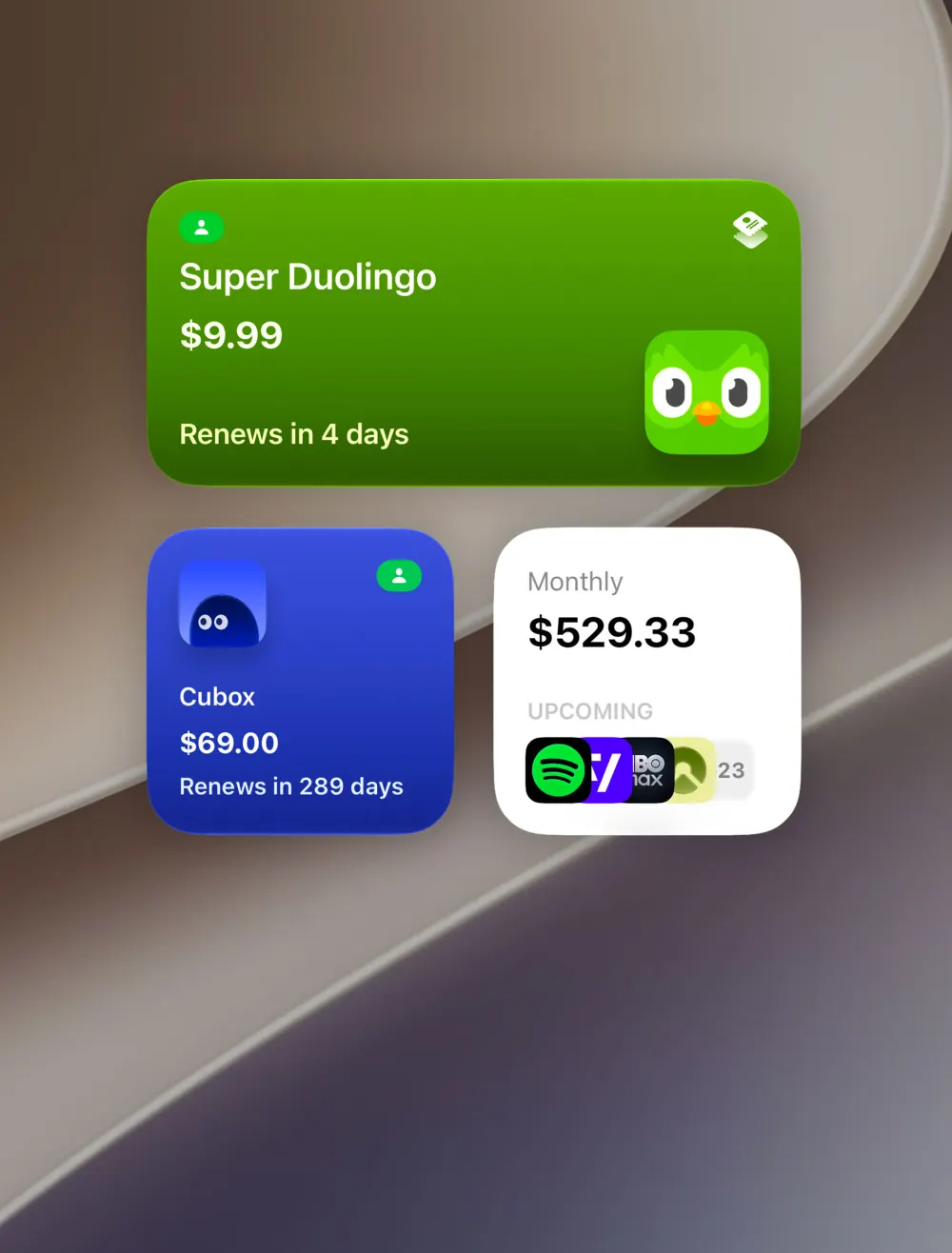
See your monthly total, upcoming renewals or a single plan right on your Home Screen.
Pick a logo for any subscription: a photo, an emoji, an SF Symbol or a colored letter.
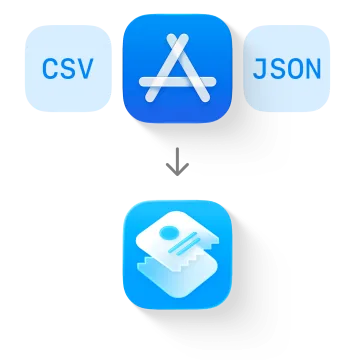
Bring in the subscriptions you already have from the App Store, a CSV or a JSON file instead of adding them one by one.
Invite friends, roommates or family with a link or a code. Everyone sees the same renewal date, how much they owe and who has already paid. No more chasing people in the group chat.
People join in a few seconds, and you decide who gets in.
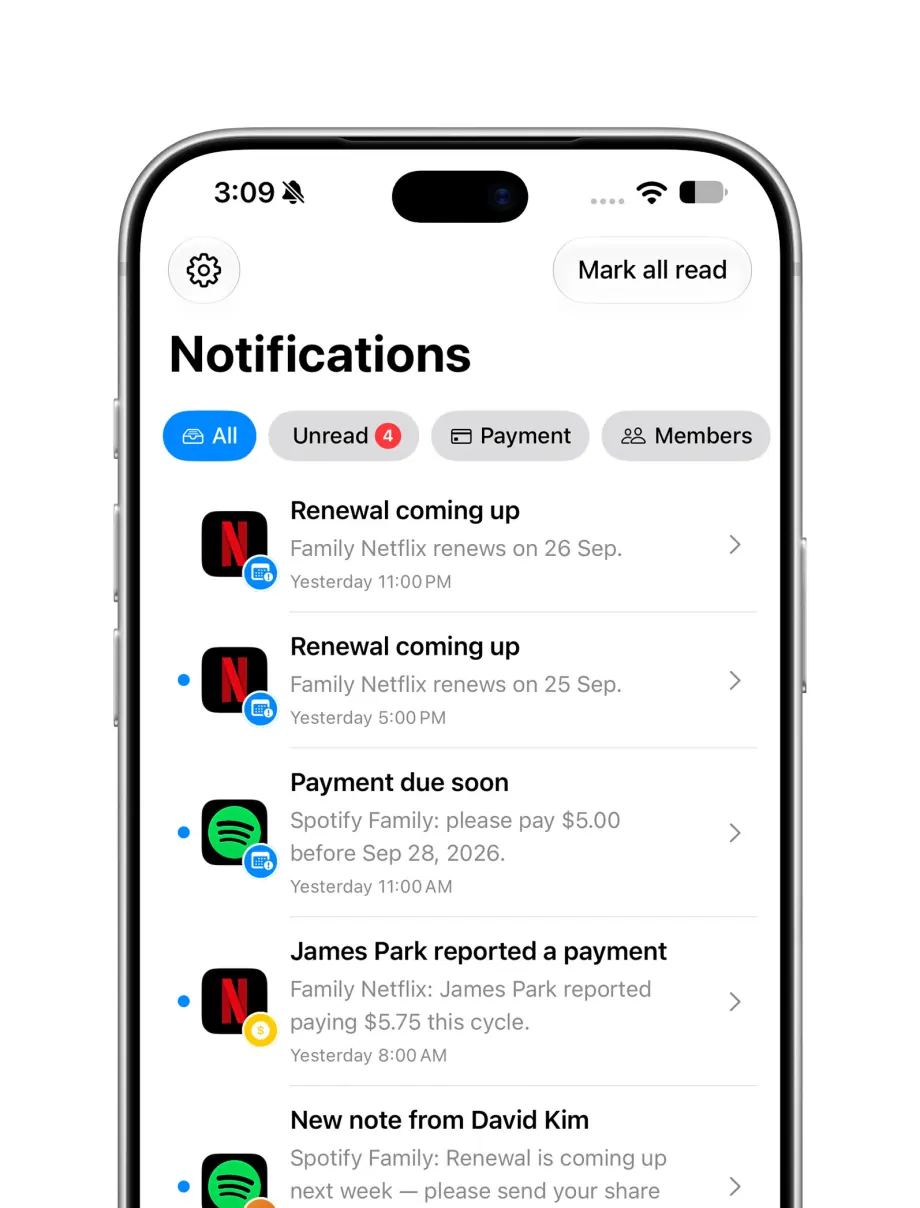
Everything that happens in your group shows up in the Notifications tab, so nothing slips by.
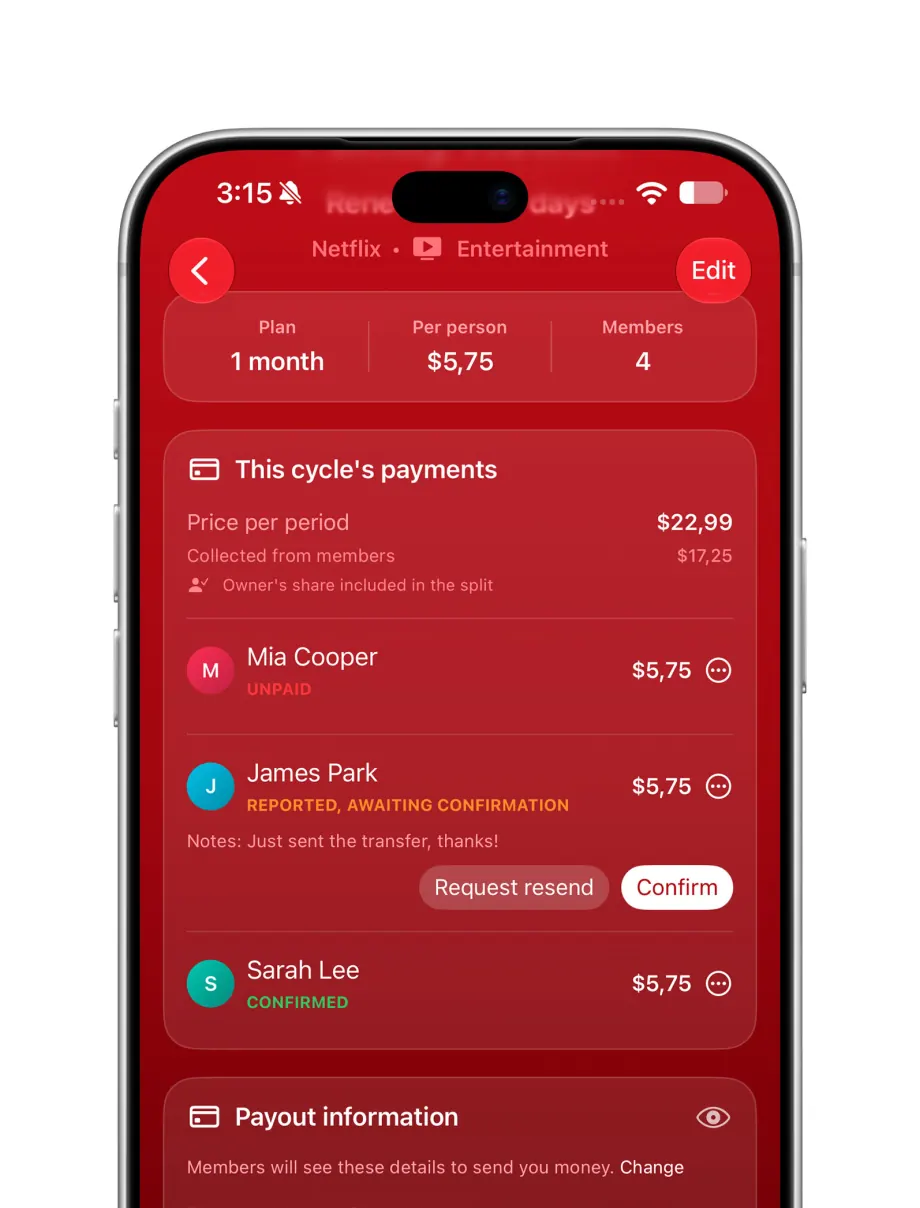
Members mark their share as paid and the owner confirms it. Everyone can see where things stand.
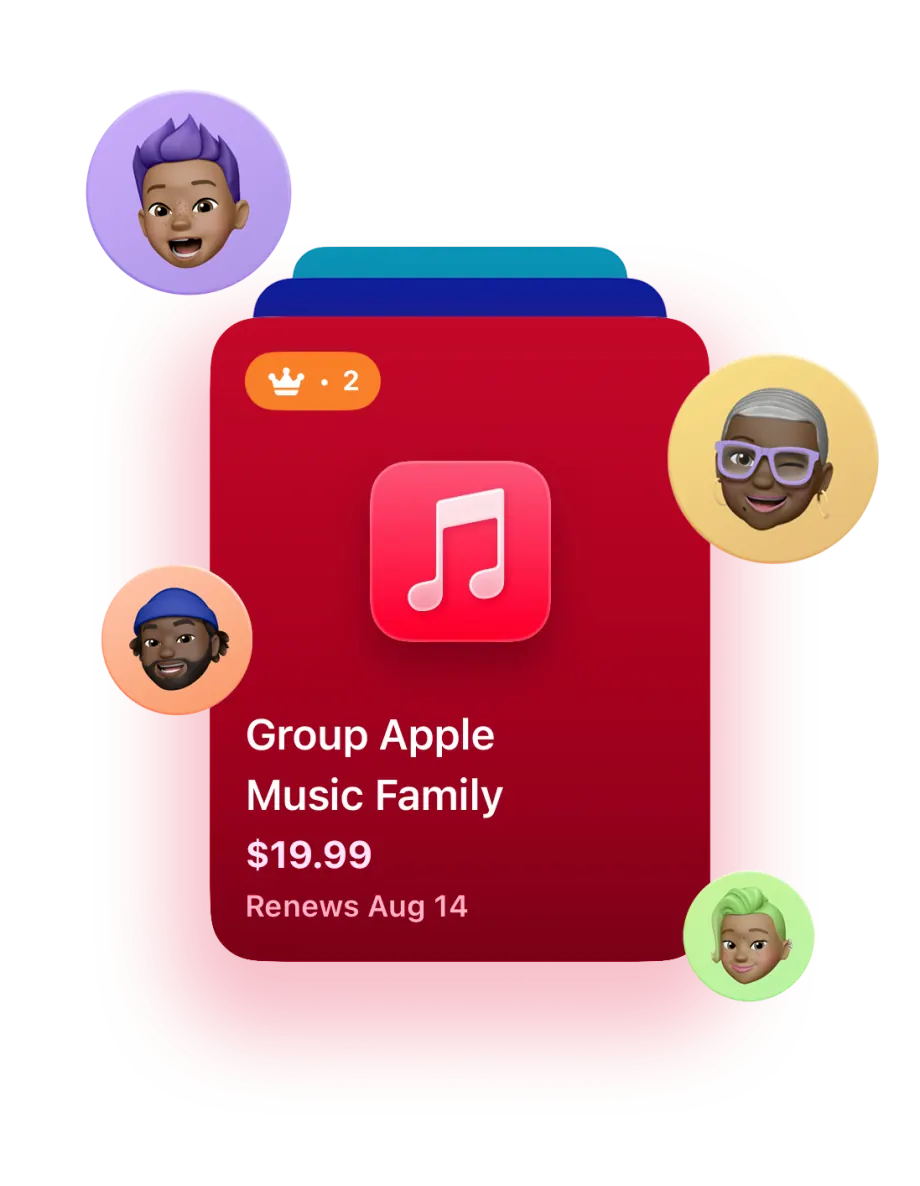
Review join requests, remove members and choose who can invite others. It is your group to run.
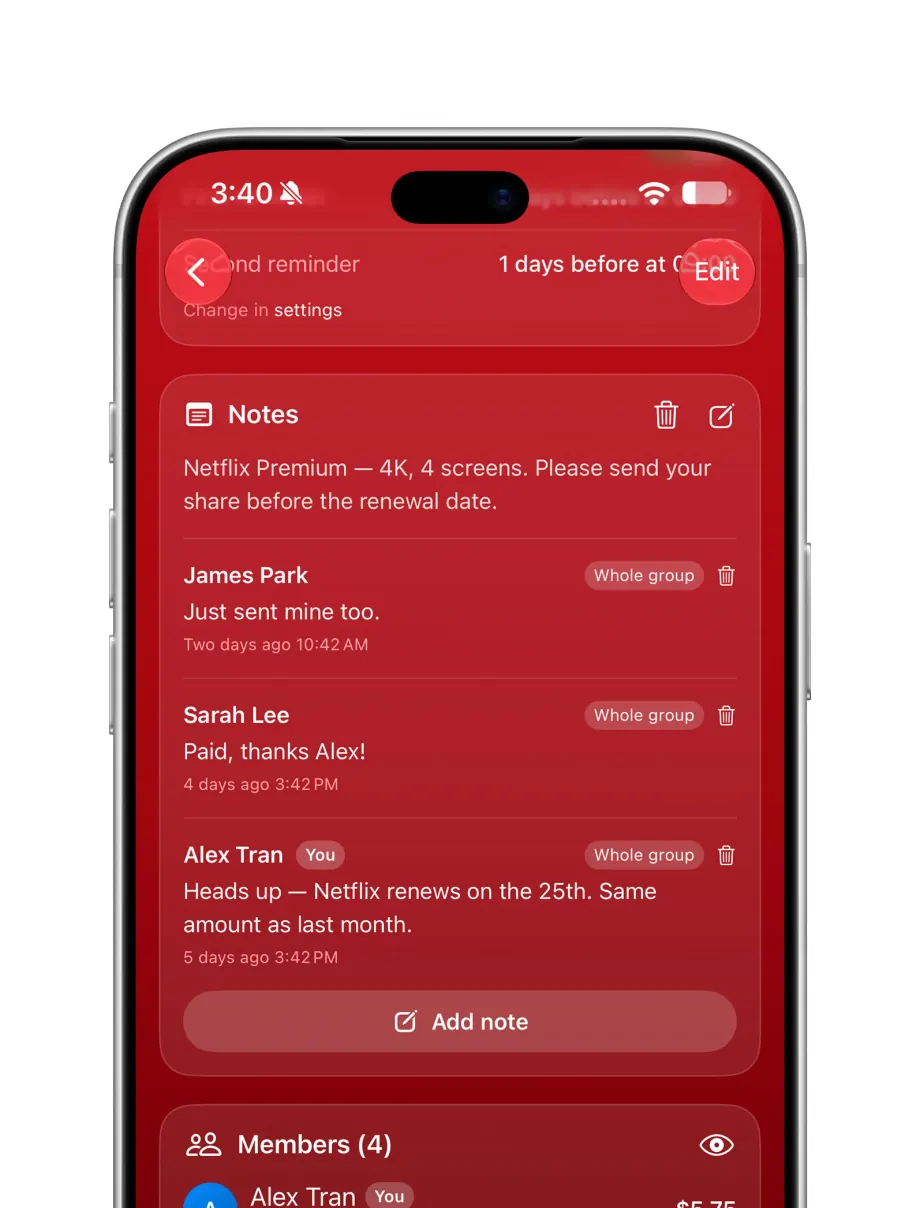
Post notes and updates for the whole group, so the owner and members know the same things.
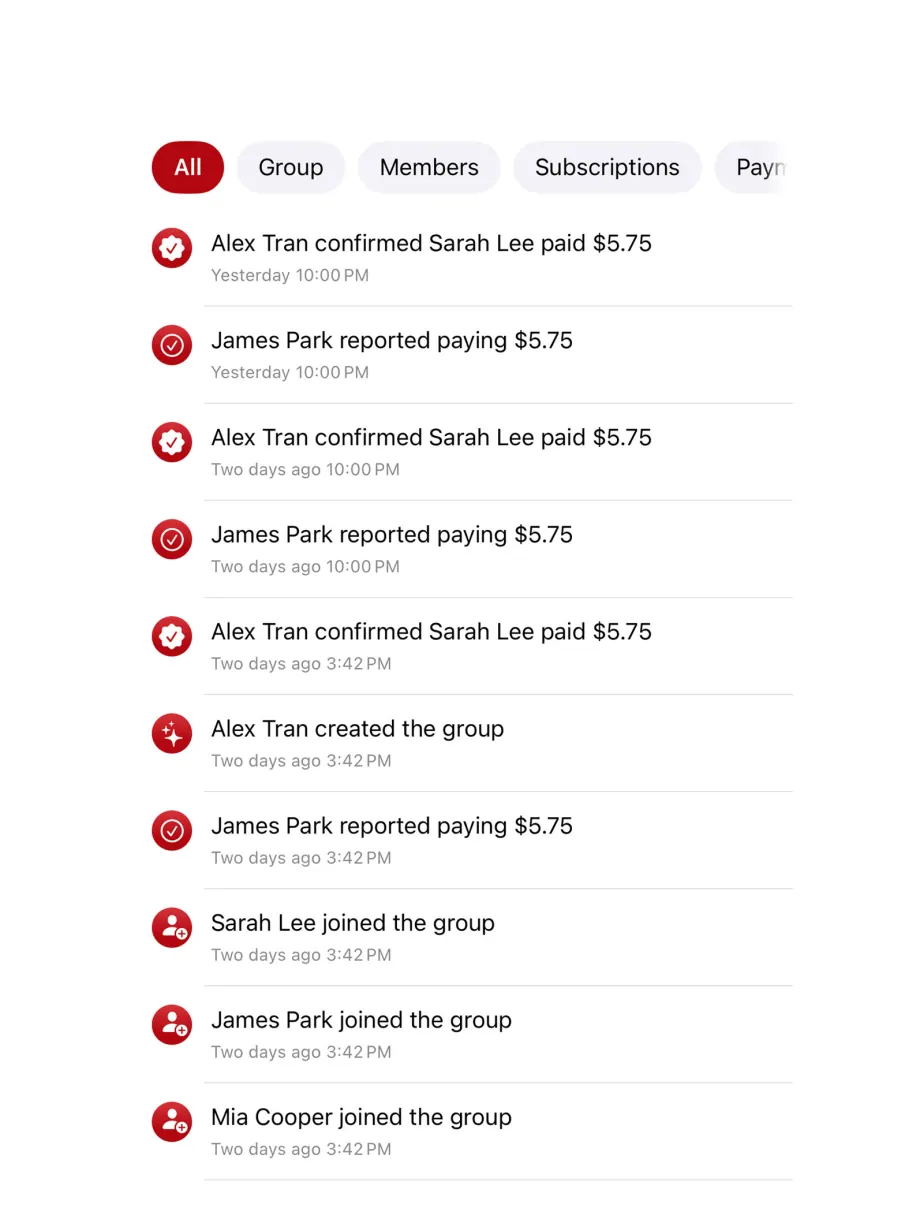
New members, payments, price changes and other updates all land in the group’s Notifications tab.
Yes. You can track personal subscriptions, get renewal reminders and create your first shared group for free. Plus and Pro are optional and unlock bigger groups and a few extra tools.
No. You can start using Subsy right away. Personal subscriptions are saved on your device and still send renewal reminders. You only need to sign in to create or join a shared group.
No. The core features are free. Plus and Pro are optional upgrades if you need more shared groups or extra features.
Yes. Subsy sends a reminder before each renewal, using push notifications and on-device reminders that also work offline. You can set up to two reminders per subscription.
No. Subsy never connects to your accounts with those services, so it can’t cancel anything. You cancel directly with the provider. Subsy just makes sure you’re reminded in time to decide.
Yes. You can import subscriptions from a CSV or JSON file, and export them to CSV, JSON or a PDF report.
Create a shared group, then invite friends, roommates or family with a code or a link. You approve who joins and manage the group.
Subsy works out each person’s share for you: evenly, by a fixed amount or by percentage. It also shows who has paid and who hasn’t, so nobody has to chase anyone for money.
No. Members only see the shared groups you are both in. Your personal subscriptions stay private and never show up in a group.

Free to start, no account needed. Adding your first plan takes less than a minute.
Works without an account · iOS 17+